
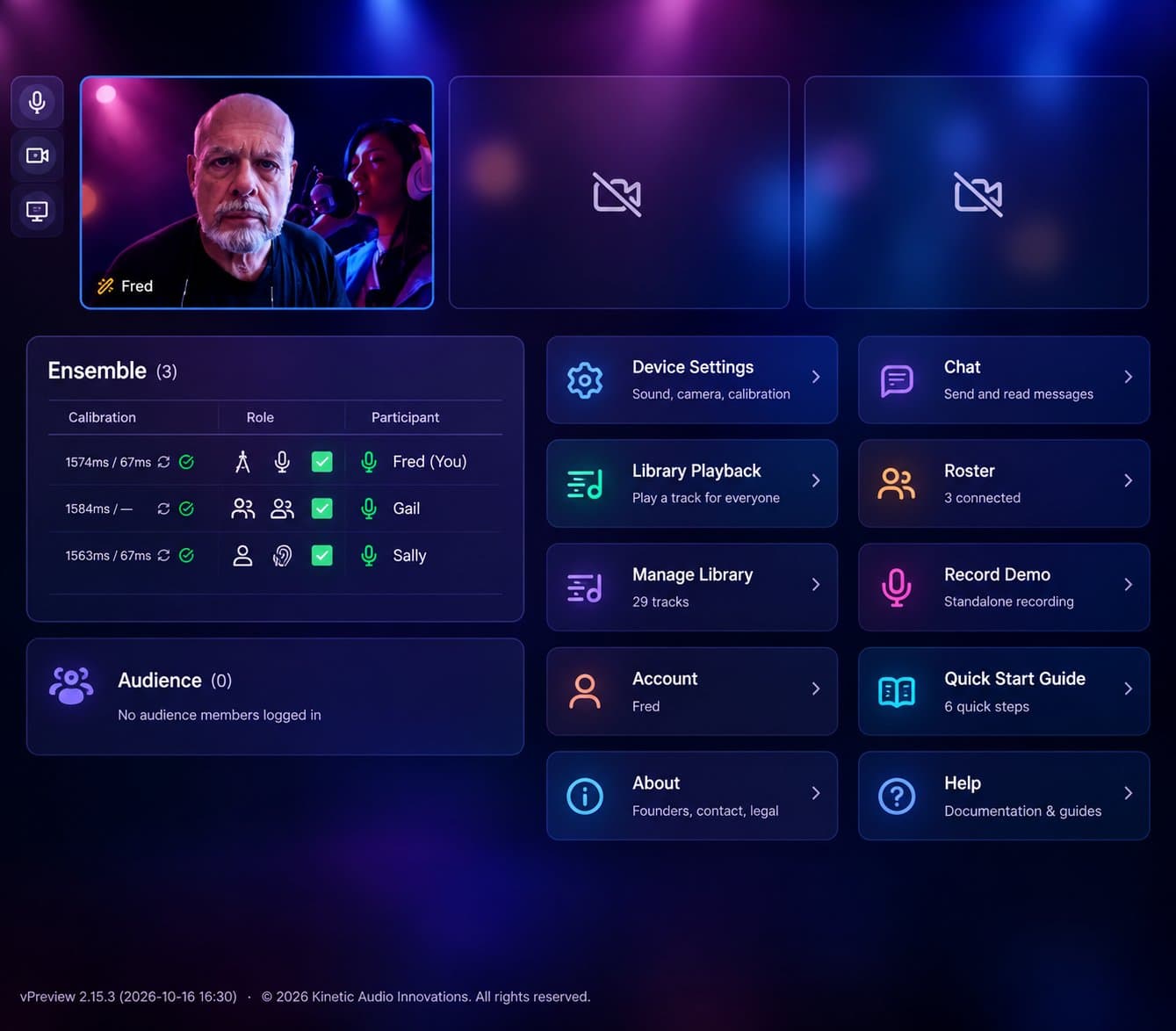
What happens when a choir records itself one round at a time?
It gets better. That was the lesson of our SATB “Amazing Grace” sessions. Each round, the singers sing together, each hearing the ensemble from the round before and singing into it. The blend tightens. Entrances line up. People start to sound like they are standing next to each other.
Those sessions also showed us where it could get better still. Here is what we built. All of it is live now, and as always, the video stays locked to the synchronized audio.
Hear everyone but yourself
In our first version of iteration, every singer heard the whole previous round. Including themselves.
That turned out to be a trap. If you flubbed a phrase last time, you hear it again, and you are pulled toward singing it the same way. Mistakes become habits.
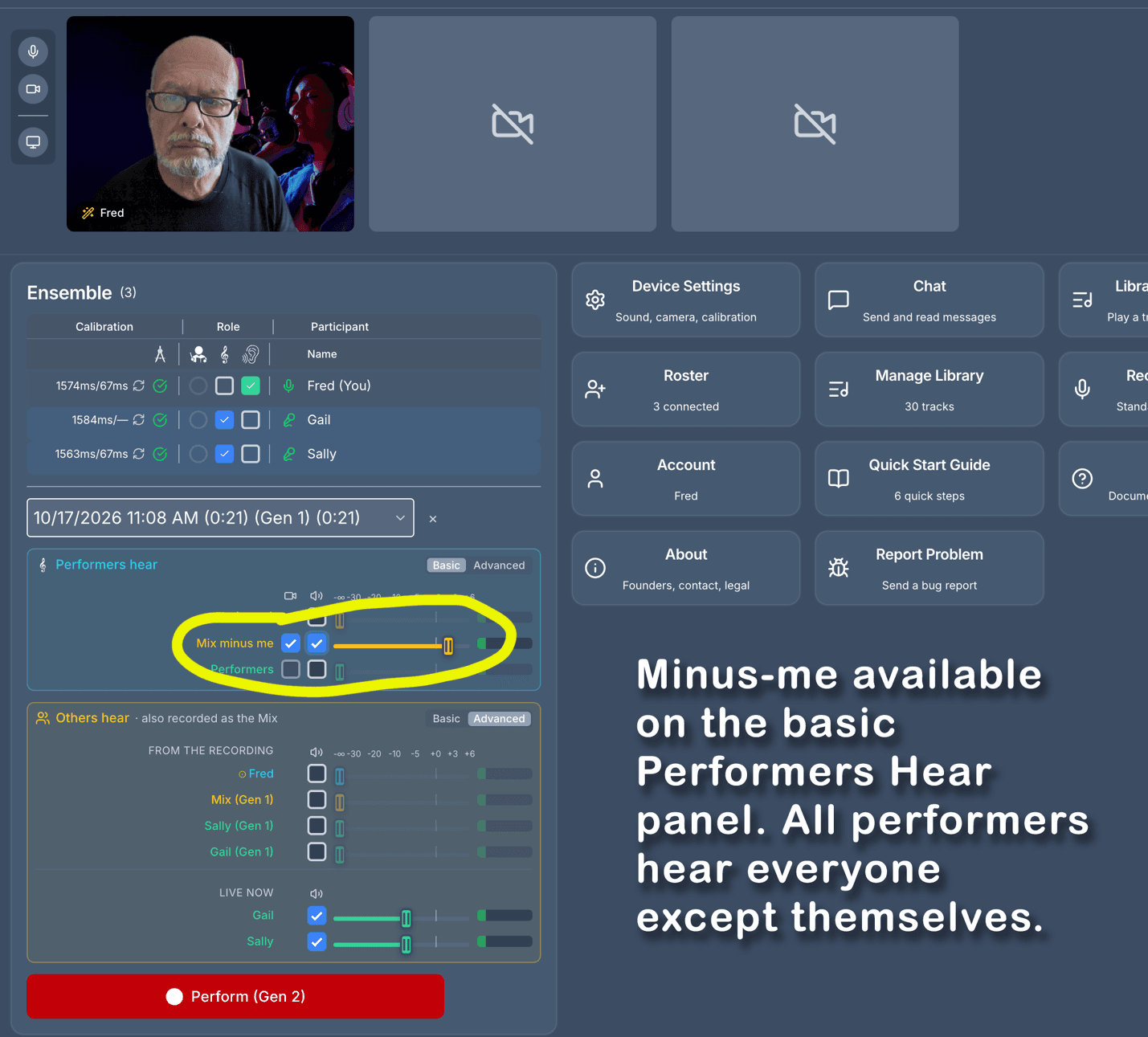
Minus-me fixes that. On each new round you hear everyone except yourself. If you are the alto in a quartet, you hear the soprano, tenor, and bass. The tenor hears the soprano, alto, and bass. And so on.
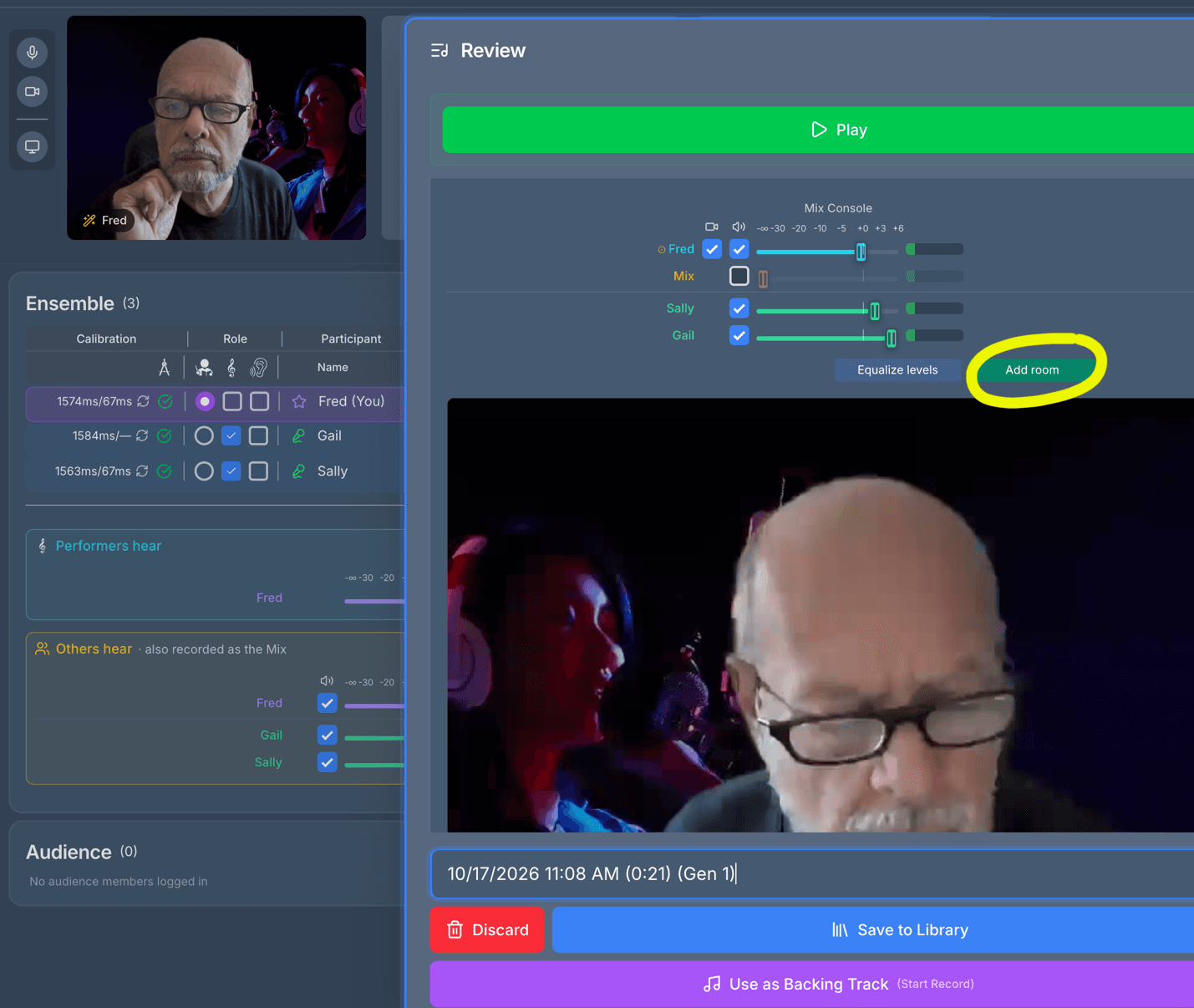
Think about standing in a choir. You hear your own voice as you sing it now, not a recording of how you sang it last time. Minus-me gives you the same thing: the ensemble around you, and room to sing your part fresh. It is available on the basic panel, shown below, and in the advanced panel.
Keep the piano in the mix
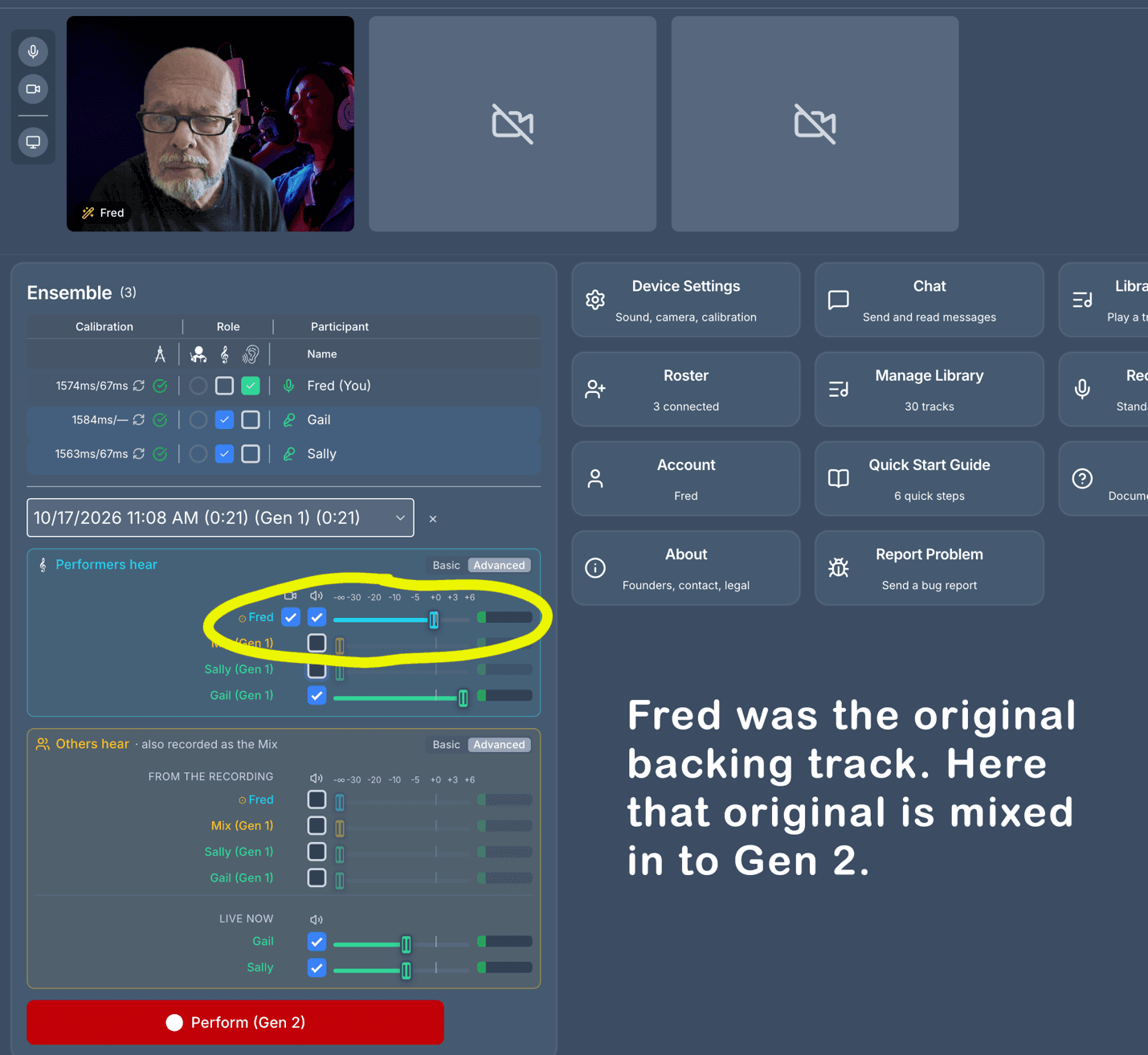
Here is the usual pattern. Round one, everyone sings to the piano track. Round two, everyone sings to round one. Round three sings to round two. Or, in round one, a soloist provides the backing track for everyone else.
Each round is a copy of a copy. Small drifts in pitch and tempo can compound, especially if you dropped the piano (or soloist) after round one to get clean voices.
Now the original backing track is available on every round. Mix it back in, quietly if you like, as an anchor. Singers stay on pitch and on tempo. With headphones, the piano stays in their ears and out of their recordings, so you can still finish a cappella.
Choose exactly who is heard
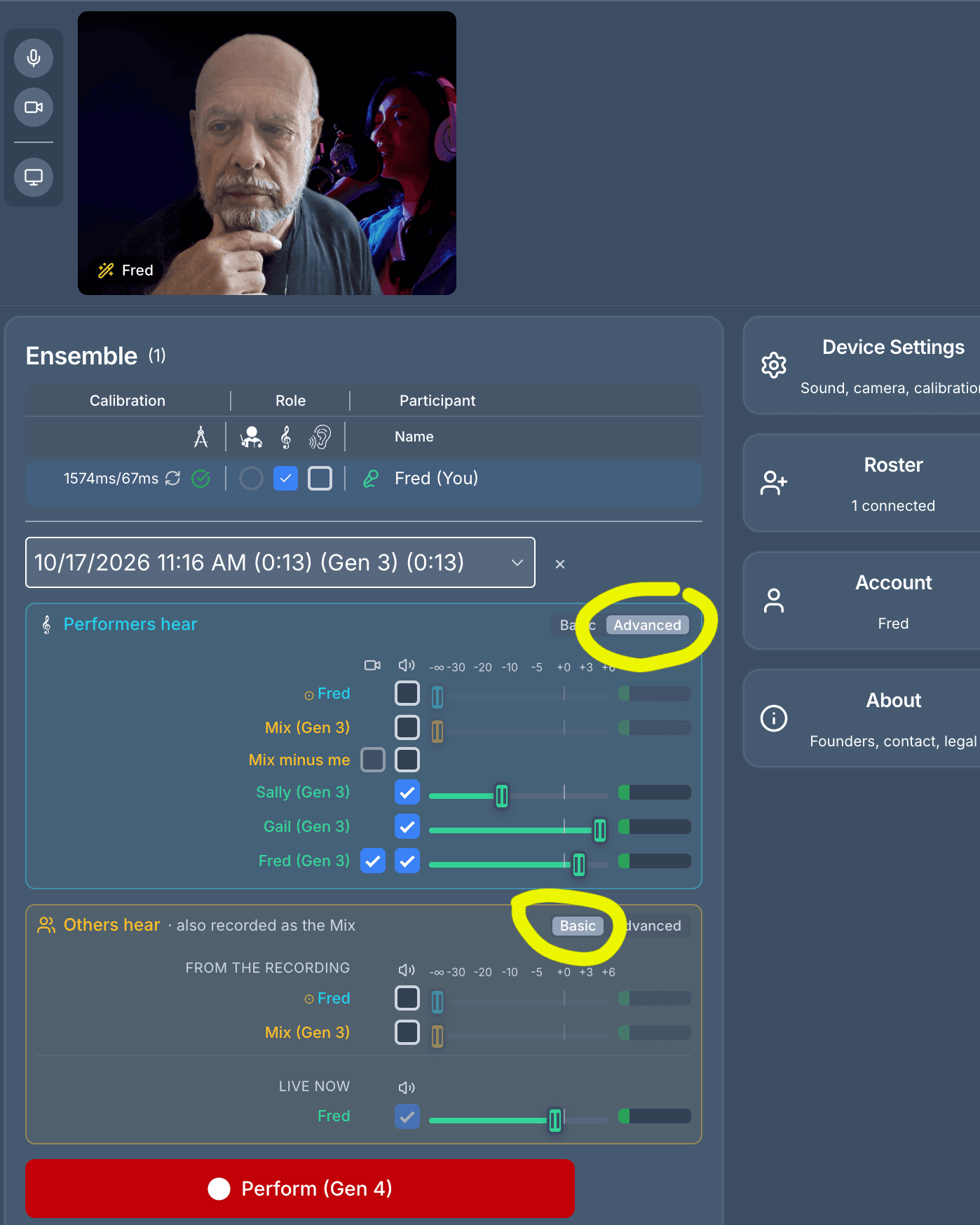
Sometimes a round needs some fine tuning. In the advanced view you can turn each singer on or off and set their level. You can also set what the singers hear separately from what the audience hears, the same way a live show has a monitor mix for the stage and a house mix for the room.
Most of the time you won’t need this. The default basic controls stay simple, and switching to the advanced view is easy when you do.
Everyone at the same volume
Every singer brings their own microphone, their own room, and their own idea of how close to stand. Levels come in all over the place.
Standard automatic gain control adjusts volume while you sing. For music, that is a guess. It doesn’t know what’s coming. If a piece starts soft and ends in a big crescendo, real-time gain control turns up the quiet opening and leaves no headroom for the finish.
We don’t guess. Lyrekos listens to each whole take, then sets its level so the loudest moments of every take sound equally loud. The organizer can still adjust anything in the mixer, but you start from a sensible balance, and often you won’t need to touch it. You can see this control, which is on by default, next to the room control shown below.
Put the choir in a room
Stack a dozen miked voices and the result can sound flat. Dead, even.
Real choirs sing in rooms, and rooms add life. So Lyrekos now lets you add a touch of reverb to the mix, as if everyone were singing in the same space. (This is off by default.)
How does it sound to you? Would you want more control over the room? Tell us.
Basic and advanced setup
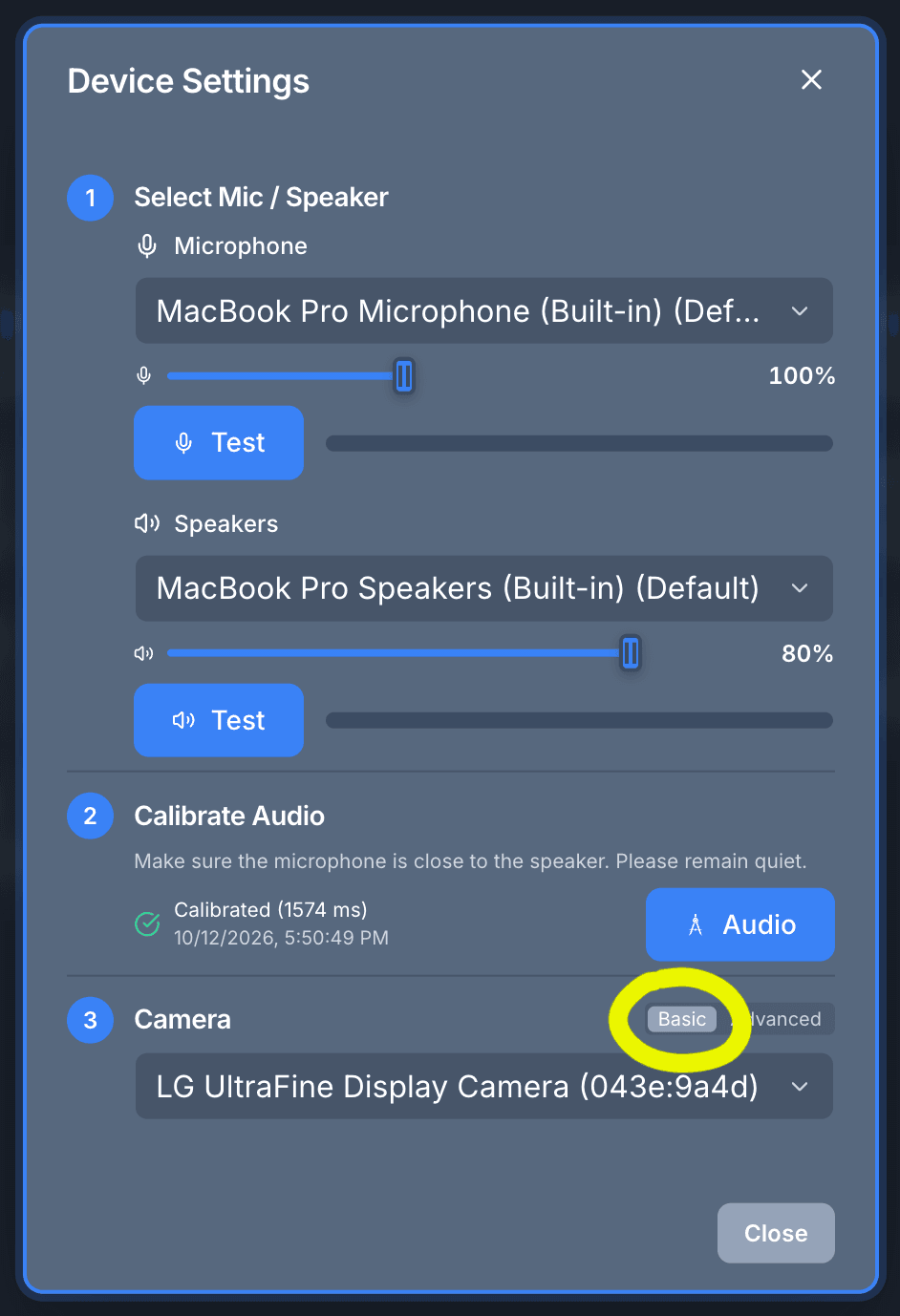
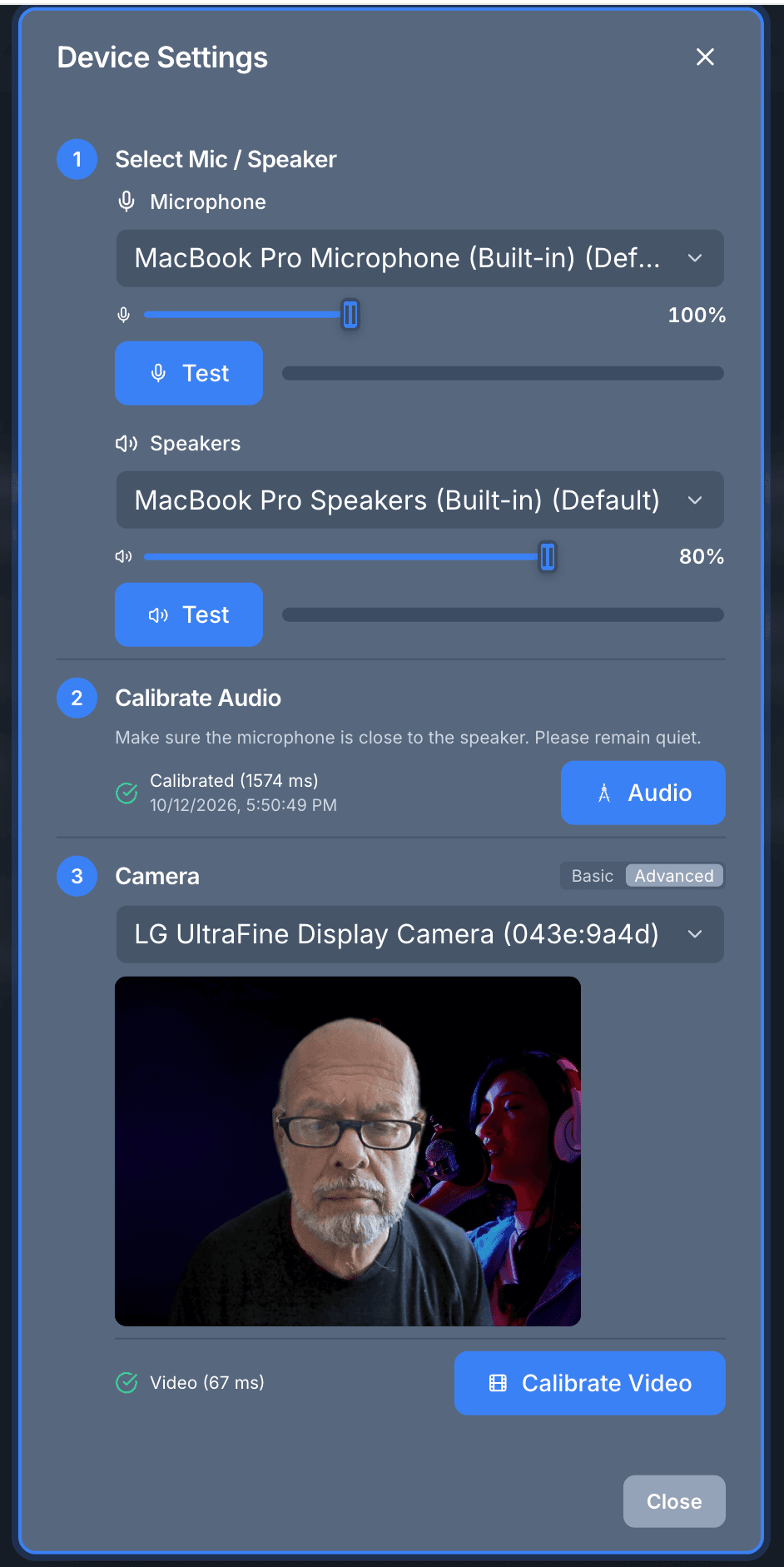
Device Settings now has basic and advanced views too. We find that most of the time people don’t need to adjust the video sync, so the basic view leaves it out.
Download exactly the audio and video you want
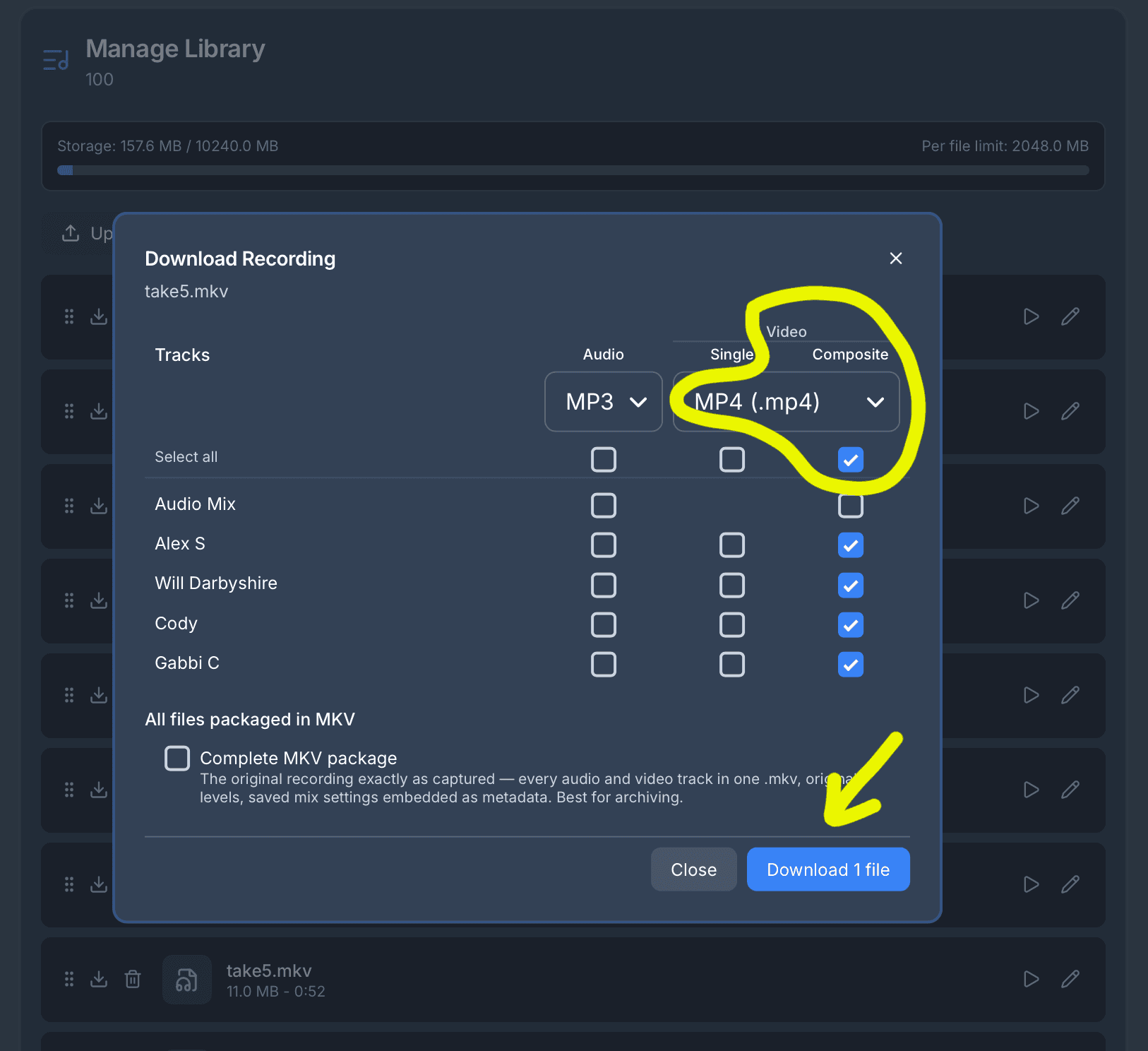
By request, you can now download the synchronized video and audio as an MP4 movie. Pick which tracks to include, and whether you want each singer’s video on its own or one composite with everyone on screen.
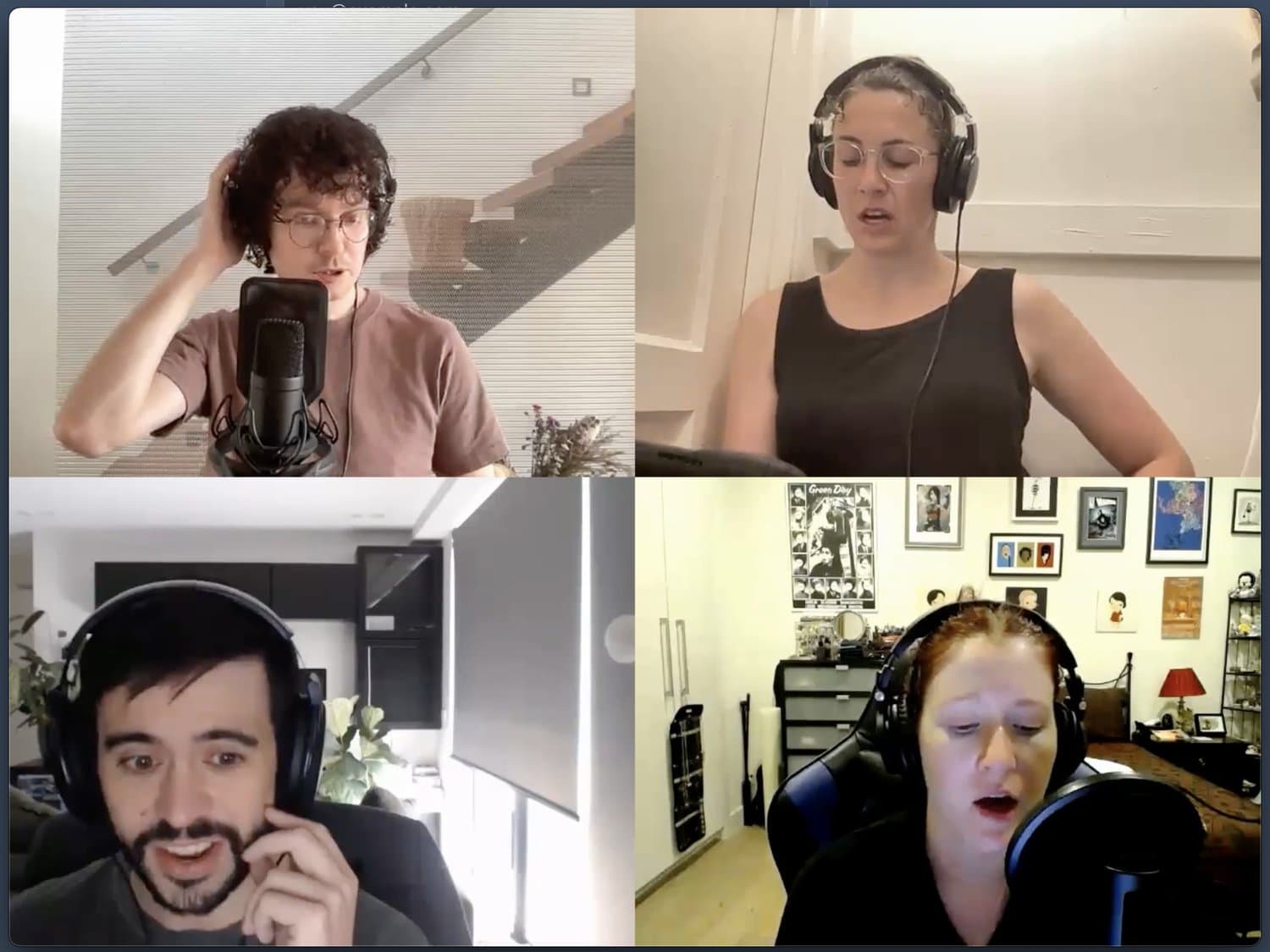
One round at a time
Every one of these came from people singing with Lyrekos and noticing what got in the way. Tell us what features you want.
The goal hasn’t changed. Make it sound like you were all in the same room. We are getting closer, one round at a time.
Frequently asked questions
Can singers hear everyone in the choir except themselves?
Yes. With minus-me, on each new round every singer hears the previous round with their own voice taken out. The alto in a quartet hears the soprano, tenor and bass, and sings their own part fresh instead of copying last round’s mistakes.
Can the original backing track stay in the mix on later rounds?
Yes. The original backing track, whether a piano track or a soloist’s recording, is available on every round, so you can mix it back in quietly as a pitch and tempo anchor. With headphones it stays out of the singers’ recordings, so the finished piece can still be a cappella.
How does Lyrekos balance the volume of singers with different microphones?
Lyrekos listens to each whole take, then sets its level so that the loudest moments of every take sound equally loud. It doesn’t adjust volume while you sing, so a quiet opening and a big crescendo both keep their shape. It is on by default, and the organizer can still adjust anything in the mixer.
Can I download a Lyrekos recording as an MP4 video?
Yes. From the library you can download the synchronized recording as an MP4, including a composite video with every singer on screen, as well as audio-only files.
Try it with your singers
Everything in this post is live in the Preview Edition now.
See how it works for choirsTry it
Lance Glasser
Lance is CEO and Co-founder of Kinetic Audio Innovations. He was previously a faculty member at MIT, Director of the Electronics Technology Office at DARPA, and CTO at KLA. He also makes sculpture, which has nothing to do with audio but explains the hundreds of pounds of bronze in his house.